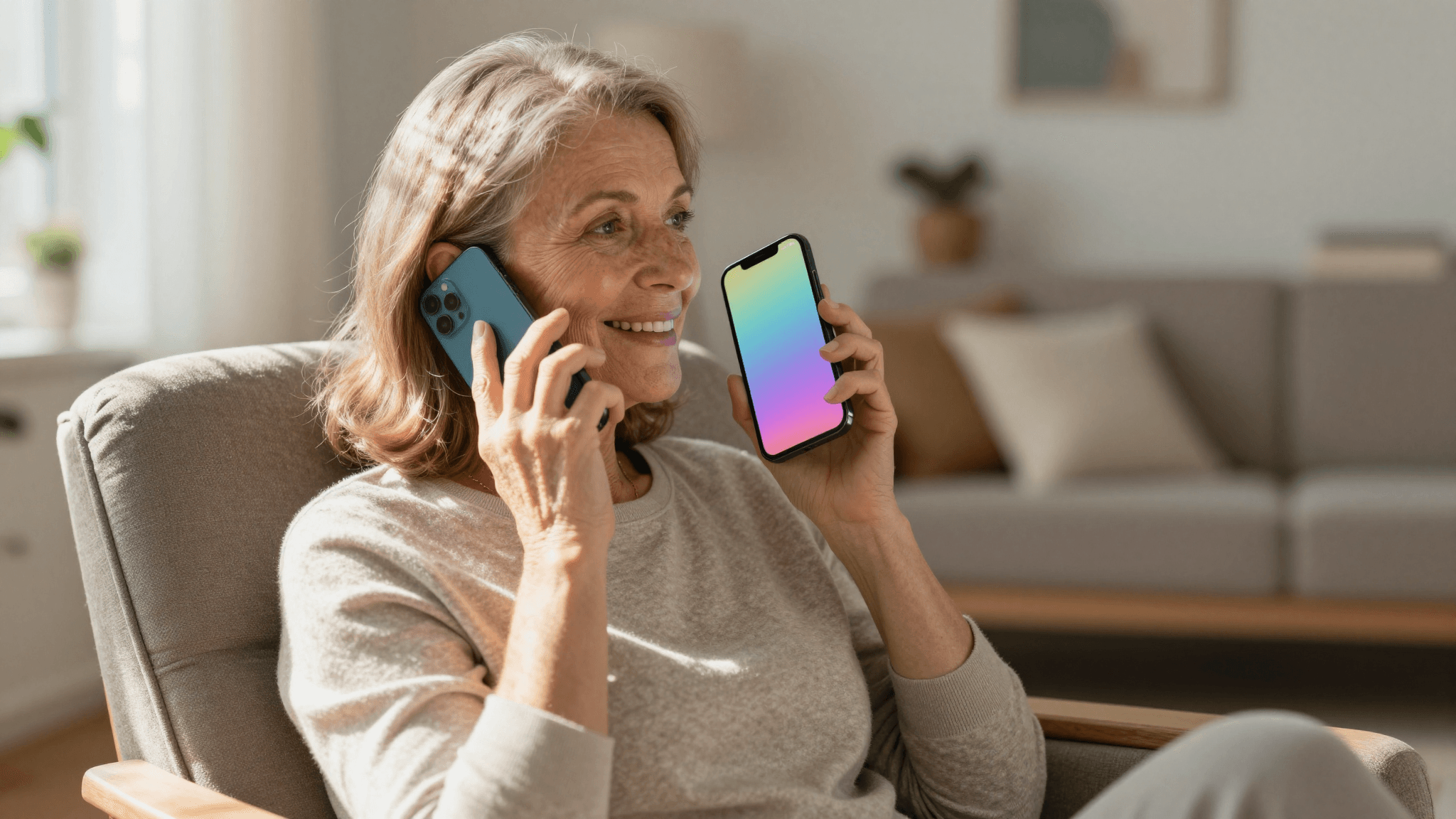
Apps demand screens, menus, and precise taps. A phone call demands nothing but talking and listening. Here's why that makes Mimicall's AI phone calls one of the most accessible ways AI has ever reached people.
Most of us have a folder of apps we downloaded once, tapped through a confusing setup screen, and never opened again. Small text, nested menus, icons that mean nothing until you've memorized them — the modern smartphone asks a lot of anyone who wants to use it well. Mimicall skips all of that. It's an AI phone call app: you pick a persona, and your phone rings. No dashboard to learn, no chat window to scroll, no tiny buttons to hit exactly right. If you can answer a phone call — something almost everyone has been doing since childhood — you can use Mimicall.
That simplicity isn't just a nice bonus. For a huge number of people, it's the difference between an AI tool that actually gets used and one that gets deleted after the first frustrating attempt. This post is about why the phone call, as an interface, is quietly one of the most accessible ways AI has ever reached people — and who benefits most from that.
Key Takeaways
- A phone call requires no screen literacy, no app navigation, and no typing — you just talk and listen.
- Voice interfaces like Mimicall are especially valuable for older adults, people with low vision, people with limited hand dexterity, and anyone who finds smartphone apps overwhelming.
- Conversational AI and text-to-speech technology have advanced enough that a call can feel like talking with a real person, not decoding a robotic menu tree.
- You don't need to be "good with technology" to have a natural, flowing conversation — you only need to be able to talk on the phone.
- Mimicall's instant and scheduled call options mean the interface adapts to you, not the other way around.
Why Do Apps Leave So Many People Behind?
Think about what a typical app actually demands. You need decent eyesight to read small labels. You need fine motor control to tap precisely on a five-millimeter icon. You need to remember where a feature lives inside three layers of menus. You need to type, often on a cramped virtual keyboard, to get anything useful out of the software. Stack all of that together and it's no surprise that a large share of smartphone owners — older adults, people with visual or motor impairments, people who simply never grew up swiping and tapping — quietly avoid huge swaths of what their phones can do.
This isn't a niche problem. It's one of the most common, least talked-about barriers in consumer technology. And it's exactly the barrier a phone call has never had. Phones have supported voice calls for over a century, across every generation, every literacy level, every ability level. Nobody needs a tutorial to answer the phone.

What Makes a Phone Call Different From a Chat App or a Screen-Based Assistant?
A conversational AI phone call app like Mimicall strips the interaction down to the one skill nearly everyone already has: talking and listening. There's no chat history to scroll back through, no message bubbles to parse, no "type your question here" field that assumes comfortable typing speed and confident spelling. You speak in full sentences, at your own pace, the way you'd talk to a friend, and the AI persona responds in kind.
Under the hood, this is only possible because of real advances in how machines produce and understand speech. Modern text-to-speech technology can generate a voice with natural pacing, tone, and inflection instead of the flat, robotic cadence people associate with older automated systems — that shift alone is what makes an AI phone call feel like a conversation rather than an announcement. At the same time, natural language processing (NLP) allows the system to follow the thread of what you're actually saying, not just match keywords, so a call can wander naturally the way real conversations do. And because the whole exchange runs on large language models trained on enormous amounts of human conversation, the responses draw on genuine conversational patterns rather than a rigid script — which is a big part of why a Mimicall call doesn't feel like pressing "1 for English."
Who Actually Benefits Most From a Voice-Only Interface?
A few groups stand out clearly:
Older adults who are comfortable on the phone but hesitant with apps get a way to use AI without a learning curve. Someone who has answered phone calls for sixty or seventy years doesn't need to be taught how to do it again.
People with low vision or blindness don't have to fight tiny contrast-poor text or rely on a screen reader correctly announcing every button. The entire interaction is audio, start to finish.
People with limited hand dexterity — whether from arthritis, a temporary injury, or anything else — don't have to hit precise touch targets. Answering a call is one motion.
People who simply find modern apps overwhelming, for any reason at all, get an interface that asks nothing of them except conversation. That covers a lot more of the population than most software ever accounts for.

Can an AI Call My Phone the Same Way a Person Would?
Yes — that's the entire premise of Mimicall. You choose a persona from more than fifty templates, each with its own personality, backstory, and speaking style, pick a voice that fits, and Mimicall places a real call to your verified number. You can request an instant call when you want to talk right now, or schedule one in advance for a specific time, like a wake-up call or a standing check-in. Either way, it arrives exactly like a call from a person would: your phone rings, you answer, and a conversation happens.
This is also where the accessibility angle and the everyday-usefulness angle overlap. The same phone-call simplicity that removes barriers for someone with low vision also just makes the AI phone call app more pleasant for everyone else — nobody has to "learn" Mimicall. You learn it the moment you answer.
How Do I Get Started If I've Never Used an AI Phone Call App Before?
There's genuinely nothing to set up beyond creating your persona and choosing when you want the call. New users start with ten free credits, so you can try an instant call today without committing to anything. Pick a persona, decide whether you want the call now or scheduled for later, and answer your phone when it rings. That's the whole onboarding process — which is, again, the point.
Frequently Asked Questions
Do I need to download anything to receive a Mimicall call? You need the Mimicall account to set up your persona and schedule or request calls, but the call itself arrives as a normal phone call to your verified number — no separate call app or plugin required on your end.
Is a voice-only AI interface actually easier than a well-designed app? For many people, yes. A well-designed app still requires reading, navigating menus, and precise tapping. A phone call requires only the ability to talk and listen, which is why it removes barriers that even good app design can't fully solve.
Will the AI sound robotic, like an old automated phone system? No — that's the exact experience Mimicall's persona voices are built to avoid. Advances in text-to-speech and conversational AI mean the pacing, tone, and responsiveness are designed to feel like a real conversation, not a menu tree.
Can older adults or people who aren't tech-savvy really use this without help? That's a core reason the phone call format exists as an AI phone call app in the first place. If someone can answer a normal phone call, they have every skill they need to use Mimicall.
The Interface Nobody Has to Learn
Software usually asks people to adapt to it — learn the layout, memorize the icons, get faster at typing. A phone call asks nothing new of anyone. It's the one interface that already fits how people have communicated for generations, which is exactly why Mimicall built its AI personas around it instead of another screen to master. If you've been curious about AI phone calls but assumed you'd need to learn a complicated app first, the honest answer is that you already know how to do this — you just have to answer the phone. Try an instant call or schedule one for tomorrow morning at mimicall.app, and see how far a conversation can go when the interface finally gets out of the way.